


Posted: 4/1/2026 5:46:46 PM EDT
[Last Edit: TGWLDR][Edited]
My EE homepage no longer matches my Forums homepage  Site update or is my shit just jacked up? My user tools have changed and my profile is accessed differently.  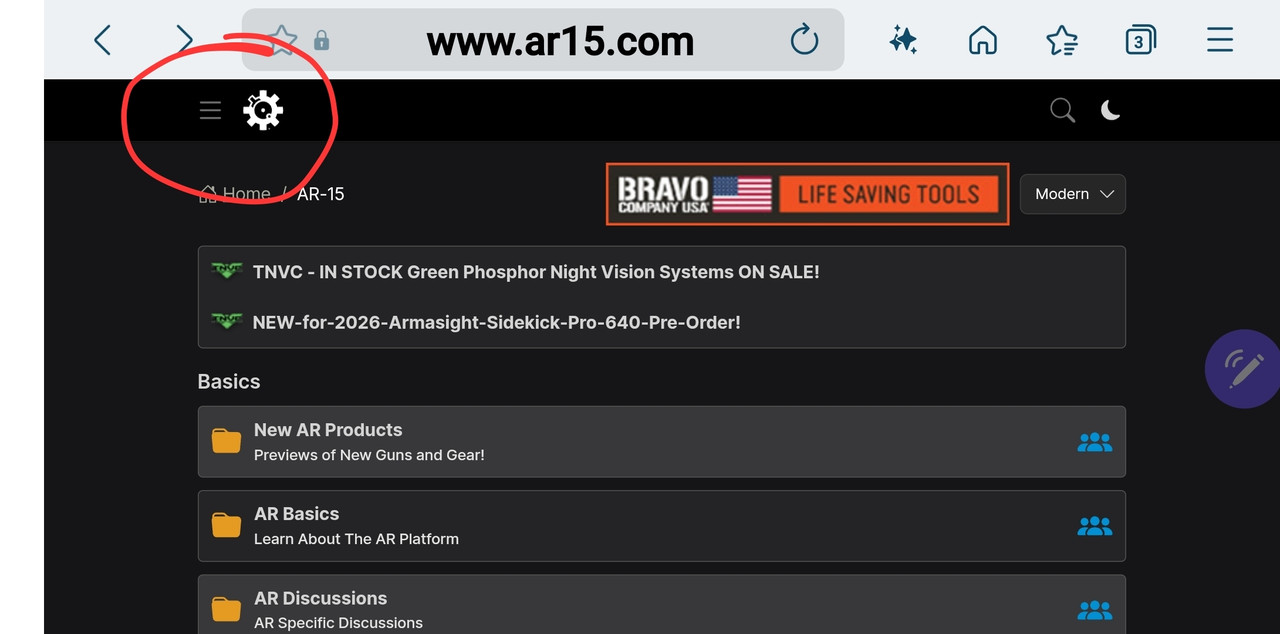 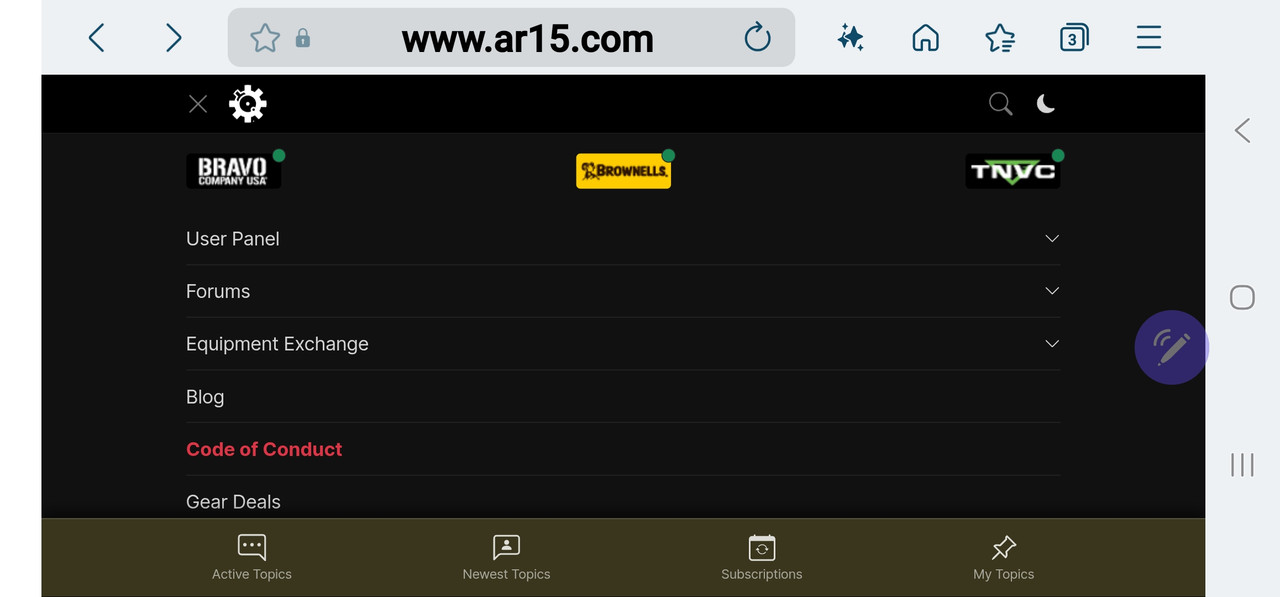 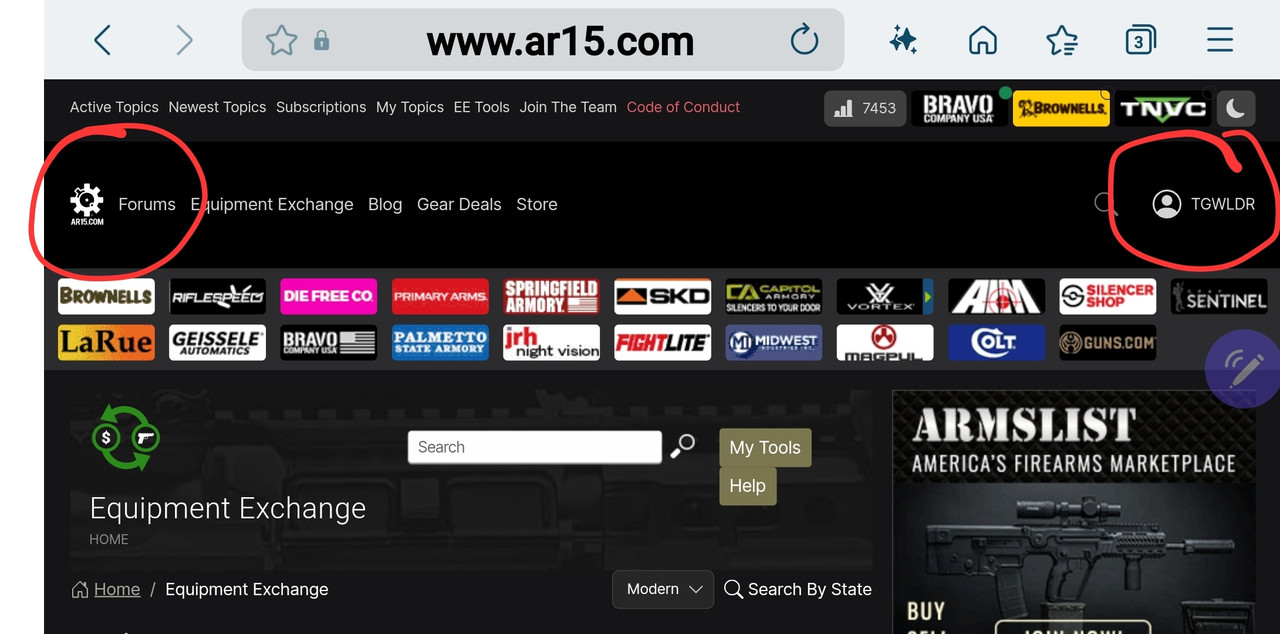 Logged out / back in, cleared cache / cookies, no joy. Samsung S22 Ultra with Chrome browser, FWIW. |

|
Looks like you are in mobile view. Click on the 3 lines and it should open a menu. Click on VIEW FULL SITE link and you should be set. Sometimes going landscape mode will put you in the full view as well, depending on the phone and resolution. (Or size of a window on a desktop for example.) |
You only live once, but if you live right.. once is enough.
|
Originally Posted By GoatBoy: Looks like you are in mobile view. Click on the 3 lines and it should open a menu. Click on VIEW FULL SITE link and you should be set. Sometimes going landscape mode will put you in the full view as well, depending on the phone and resolution. (Or size of a window on a desktop for example.) Clicked the VIEW FULL SITE option and rotated my device, still no change. |
|
Which way do you want it to look like, the first images with the 3 lines in the top left (mobile) or the other look with your name on the right? I'll see if something changed with the EE that may be blocking the switching. |
You only live once, but if you live right.. once is enough.
|
Originally Posted By GoatBoy: Which way do you want it to look like, the first images with the 3 lines in the top left (mobile) or the other look with your name on the right? I'll see if something changed with the EE that may be blocking the switching. Full Site View is my preferred. (EDIT: Like the screen grab above with user info/ profile info at top right).  Honestly, I have no idea what has changed. I've chose that option for both but the Forums page seems to be stuck in Mobile View while the EE window is still in the View Full Site option. I've always kept 2 windows open for the 2 forums rather than jump back and forth and always chose the View Full Site option as it is easier to view for me. Thanks for looking into this. |
